For a commercial quote, visit the
pricing page.
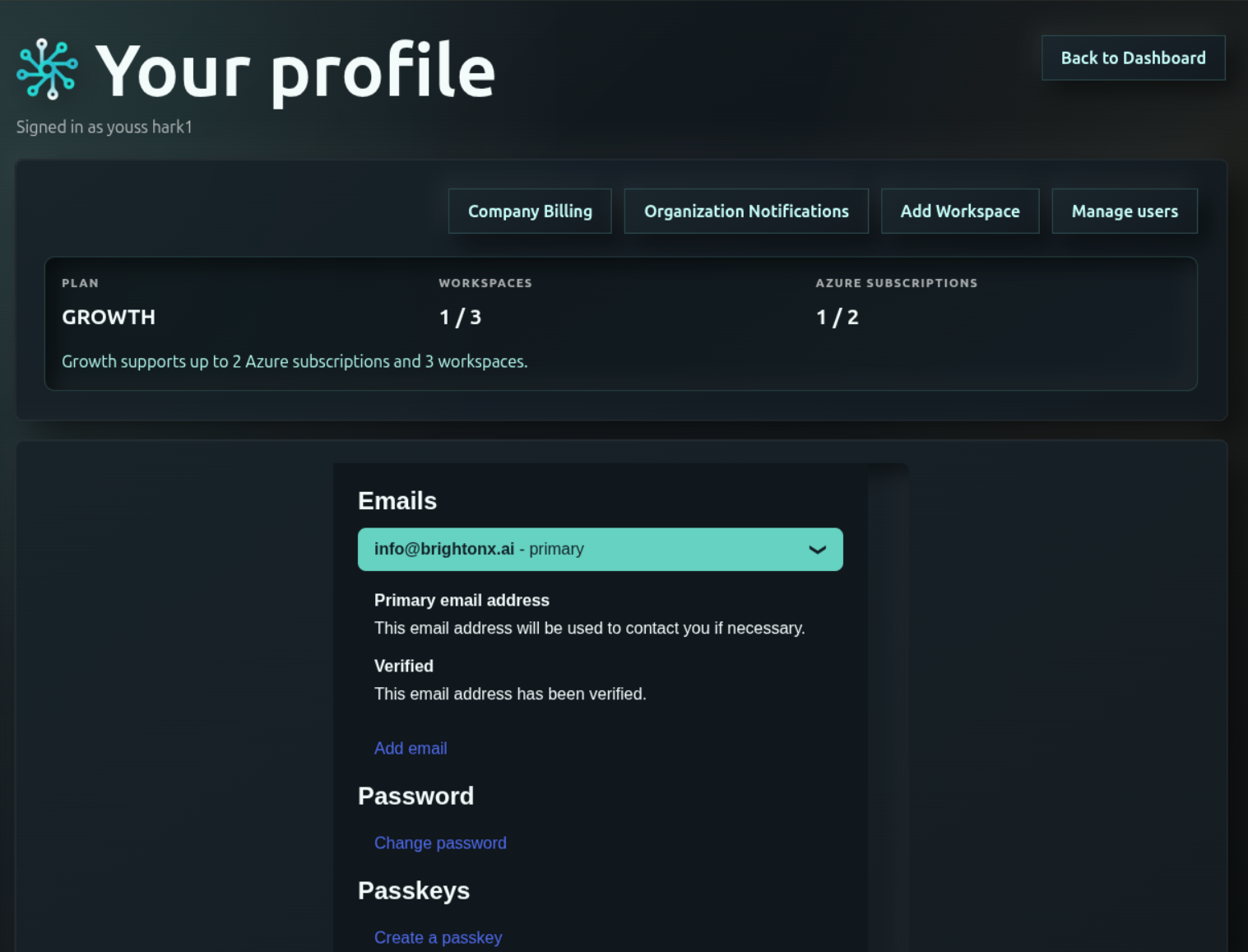
Review your current plan and allowances in
Your profile,
and your billing details under Company Billing.
All project types
Mixed projects: one account plan, two pricing pools
Foundry and CrewAI projects share one agent pricing pool: add their
secured agents and workspaces together. All N8N workspaces share a second
pool, with regular nodes and AI Agent nodes priced separately. Do not
combine Foundry/CrewAI agents with N8N node counts.
The highest required tier must cover every workspace
The required account plan is the highest of the N8N pool tier,
the Foundry/CrewAI pool tier, and the tier required by the total workspace
count across both pools. A contract lock or pending downgrade can keep
the applied account plan higher until the transition takes effect.
The applied account plan controls the interface, features and automatic
scan cadence for every workspace: weekly for Starter, daily for Growth,
and every 12 hours by default for Enterprise after activation.
Each pool retains its own pricing tier, minimum and contract terms.
Add the two pool subtotals into one invoice.
An account-level upgrade caused by combined workspaces does not by itself
impose the Enterprise minimum on a lower-tier N8N or agent pool.
How plan changes work with two pools
Reassess each pool using its own units and workspace count. Apply that
pool’s upgrade, grace, downgrade and contract-lock rules, then recheck the
account plan against both applied pool tiers and total workspaces.
A pool can become eligible for Starter while the account remains Growth
or Enterprise. A lower account plan takes effect only when every condition
is met and the applicable billing boundary or contract lock permits it.
A fourth total workspace requires Enterprise handling without node-excess
grace. Conversely, reducing total workspaces to two cannot lower an account
while either pool still requires or is locked to Enterprise.
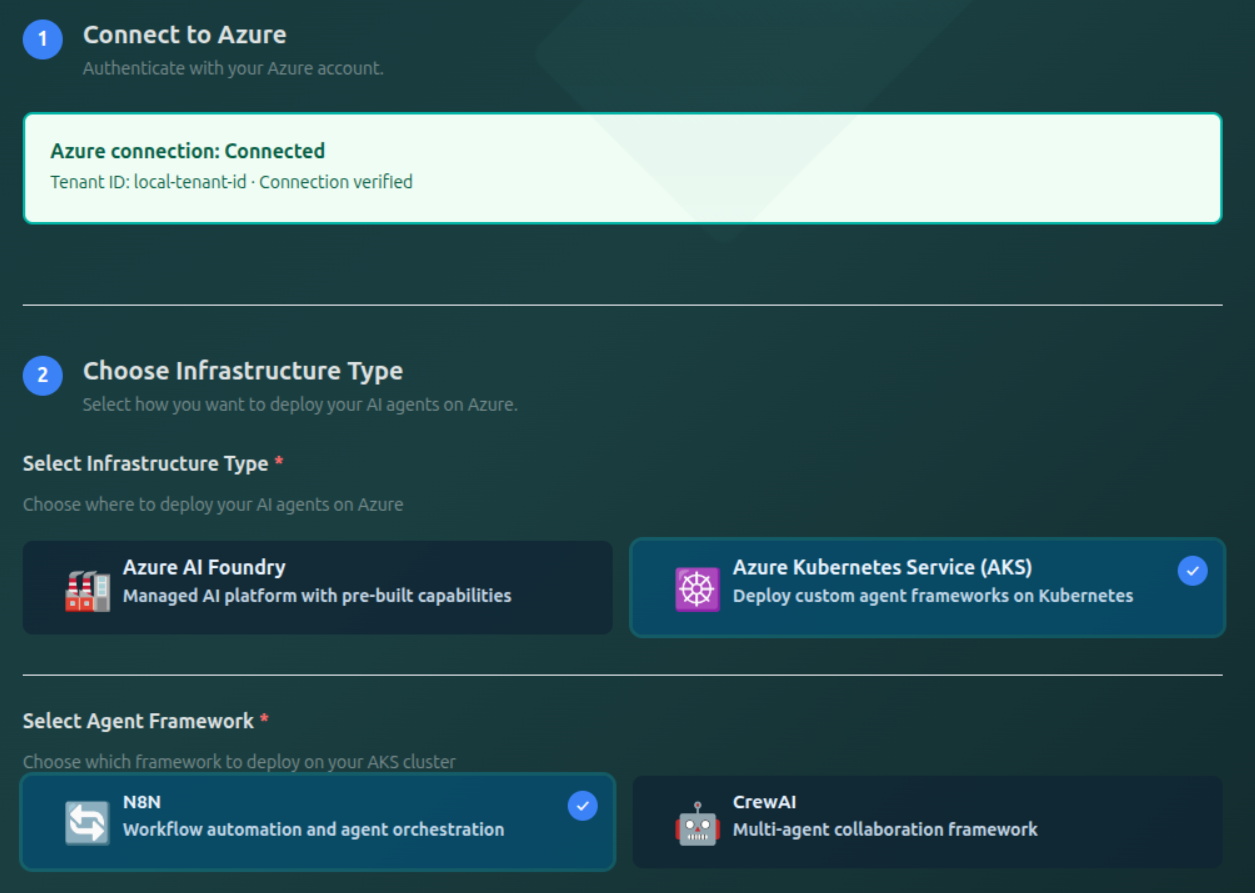
Azure Foundry / CrewAI on AKS
Azure Foundry & CrewAI plans and capabilities
The following agent-based limits, billing minimums, scan allowances,
and transition rules apply to the combined Foundry/CrewAI pricing pool.
Agent counts are pooled across both project types. In a mixed account,
features and automatic scanning follow the higher applied account plan.
For N8N on AKS, use the N8N rules below.
Paid Starter and Growth workspaces provide
dashboard, inventory, graph, and threat-analysis
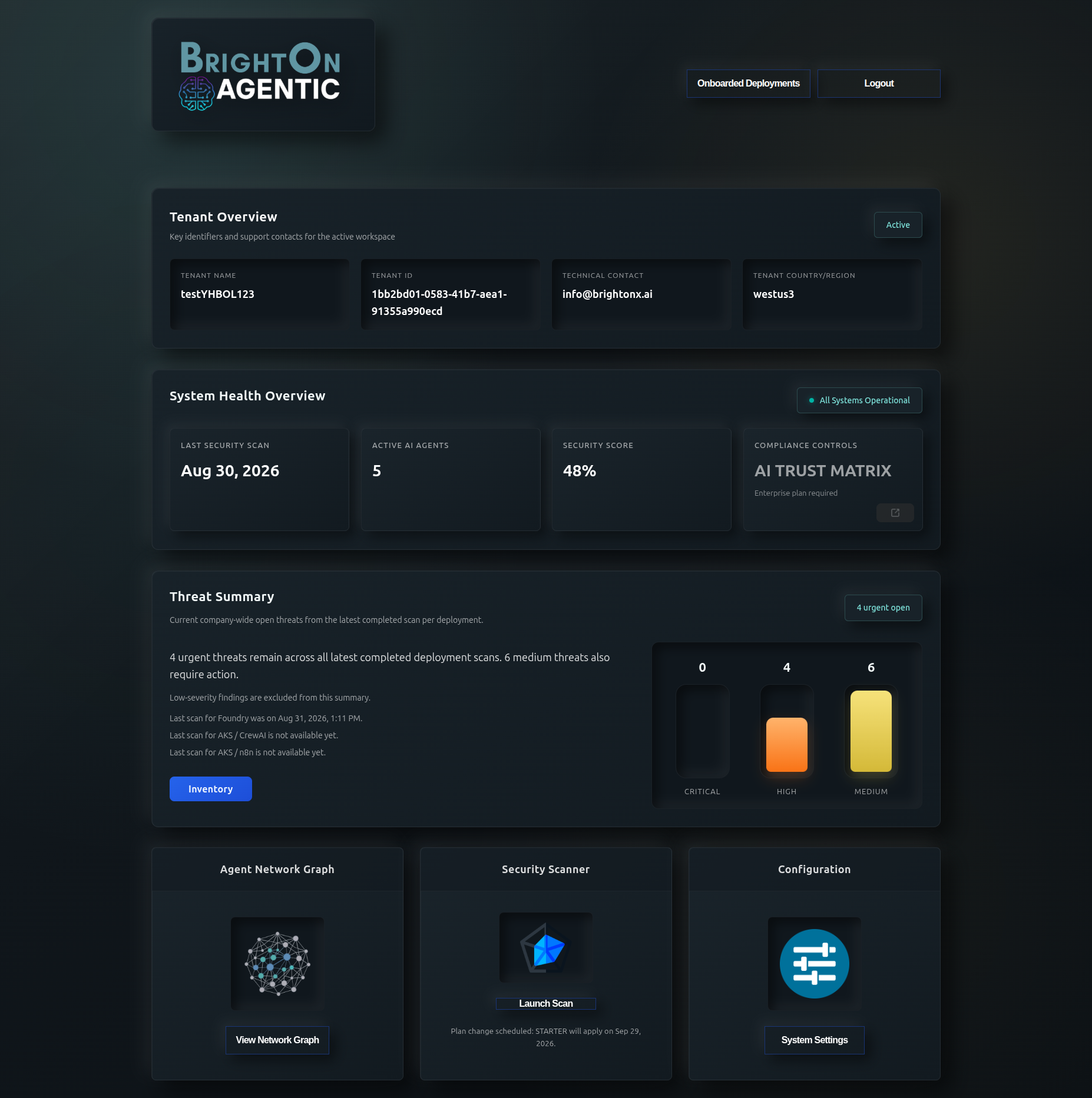
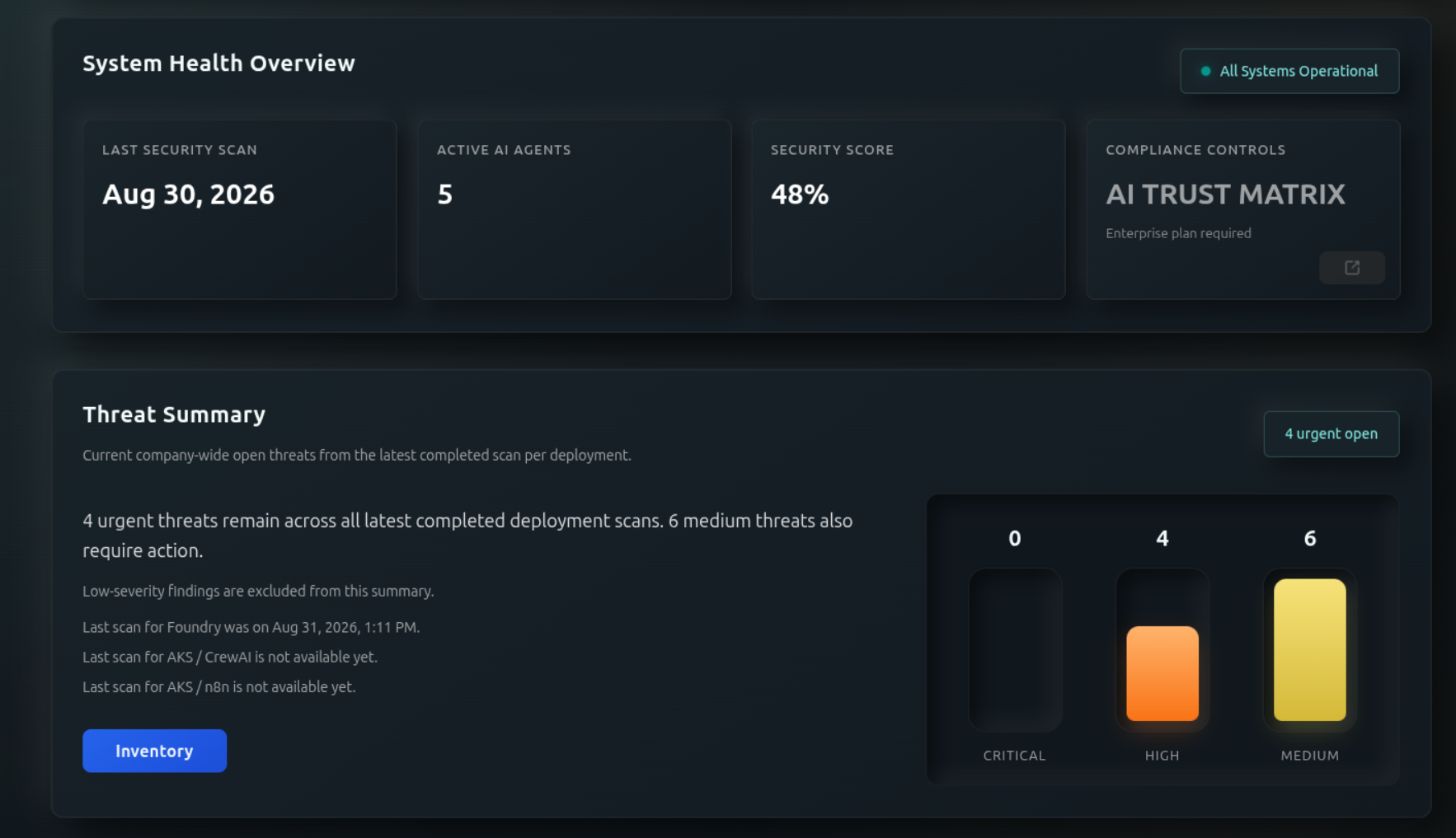
views. AI Trust Matrix
is an Enterprise capability. Growth Red Team
access requires the add-on; it is not included
automatically with the base plan.
Azure Foundry / CrewAI on AKS
Foundry & CrewAI usage counts
- Actual secured agents
- The observed agent count in your secured scope, used to assess plan eligibility.
- Active workspaces
- Empty workspaces do not count as active for plan transitions. Two active workspaces prevent a move to Starter, even below 15 agents.
- Billable agents
- A billing minimum can exceed actual usage: paid Starter has a 6-agent minimum; Growth has a 15-agent minimum; an activated Enterprise agent pool has a 51-agent minimum until contract end.
- Other account allowances
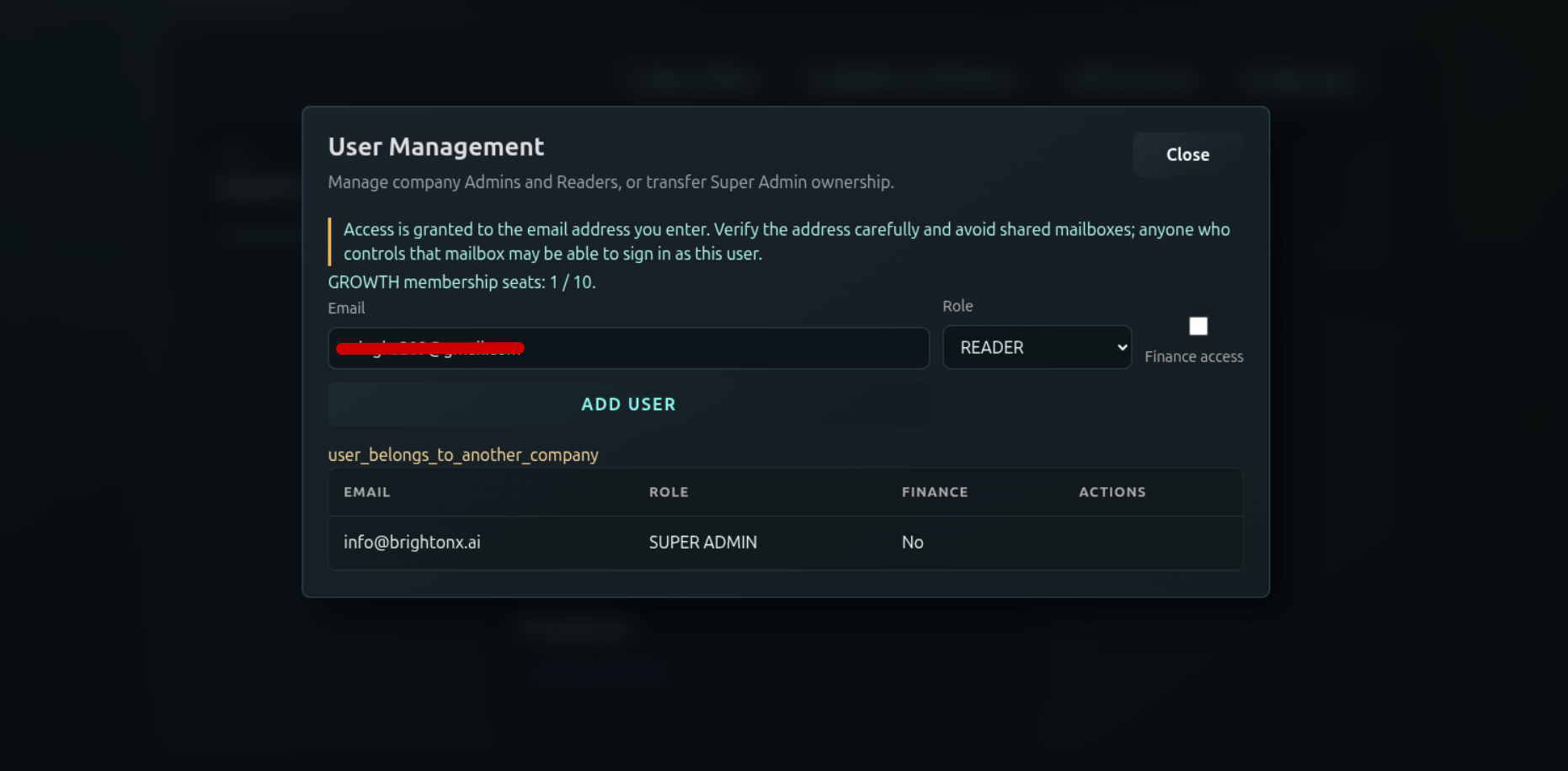
- Check Your profile and Manage users for Azure subscription and user-seat allowances. These are separate from the agent and workspace thresholds above.
Workspace count affects eligibility and scan
cadence. It is not a separate workspace fee.
The Free Trial has no paid billing minimum.
Azure Foundry / CrewAI on AKS
Foundry & CrewAI scan schedules and allowances
An automatic schedule specifies how often
each eligible workspace is scanned. It is
separate from your manual-scan allowance.
For example, Growth with 3 eligible workspaces
schedules one scan for each workspace per day;
that is not a shared monthly quota.
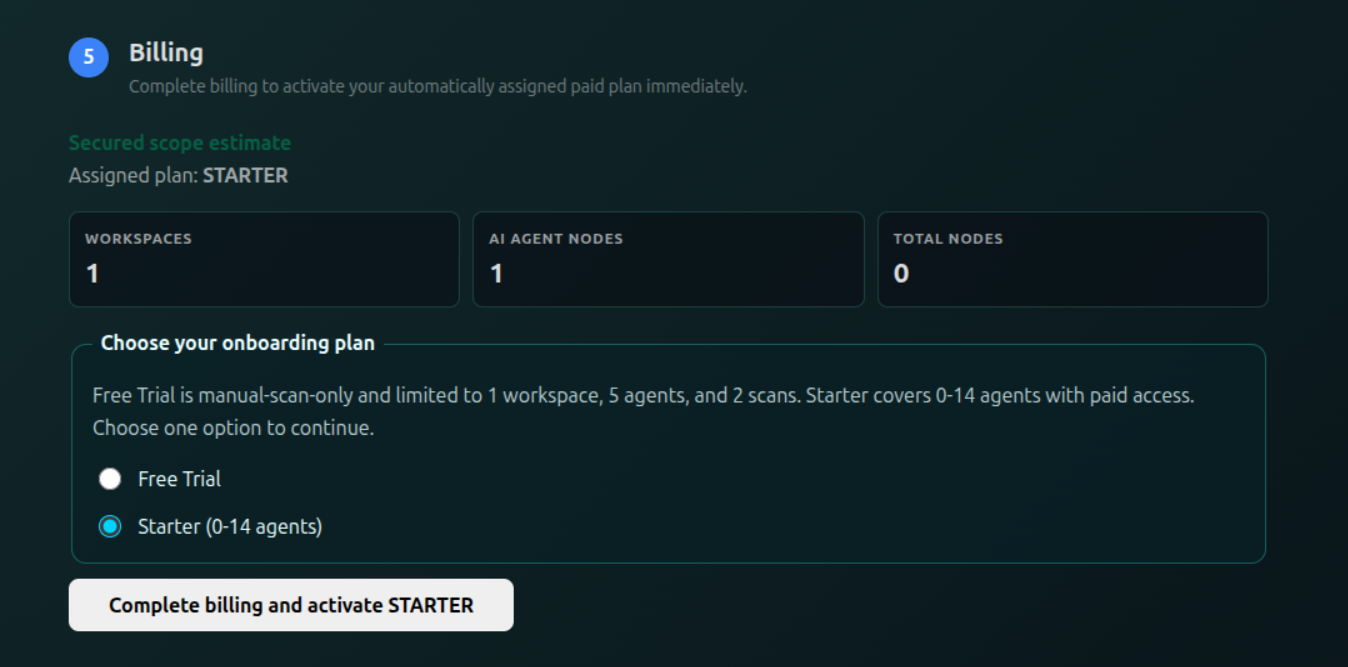
- Free Trial: 2 manual scans total during the 7-day trial, with no automatic schedule.
- Starter with 0–9 actual agents: weekly automatic scans; no manual scans included.
- Starter with 10–14 actual agents: weekly automatic scans plus 2 manual scans per billing period. A manual scan does not change the next automatic run.
- Growth: daily automatic scans per eligible workspace. Check the scan launcher for any manual allowance available to your account.
- Enterprise: automatic cadence and manual allowances follow the agreed contract, with twice-daily automatic scanning as the default.
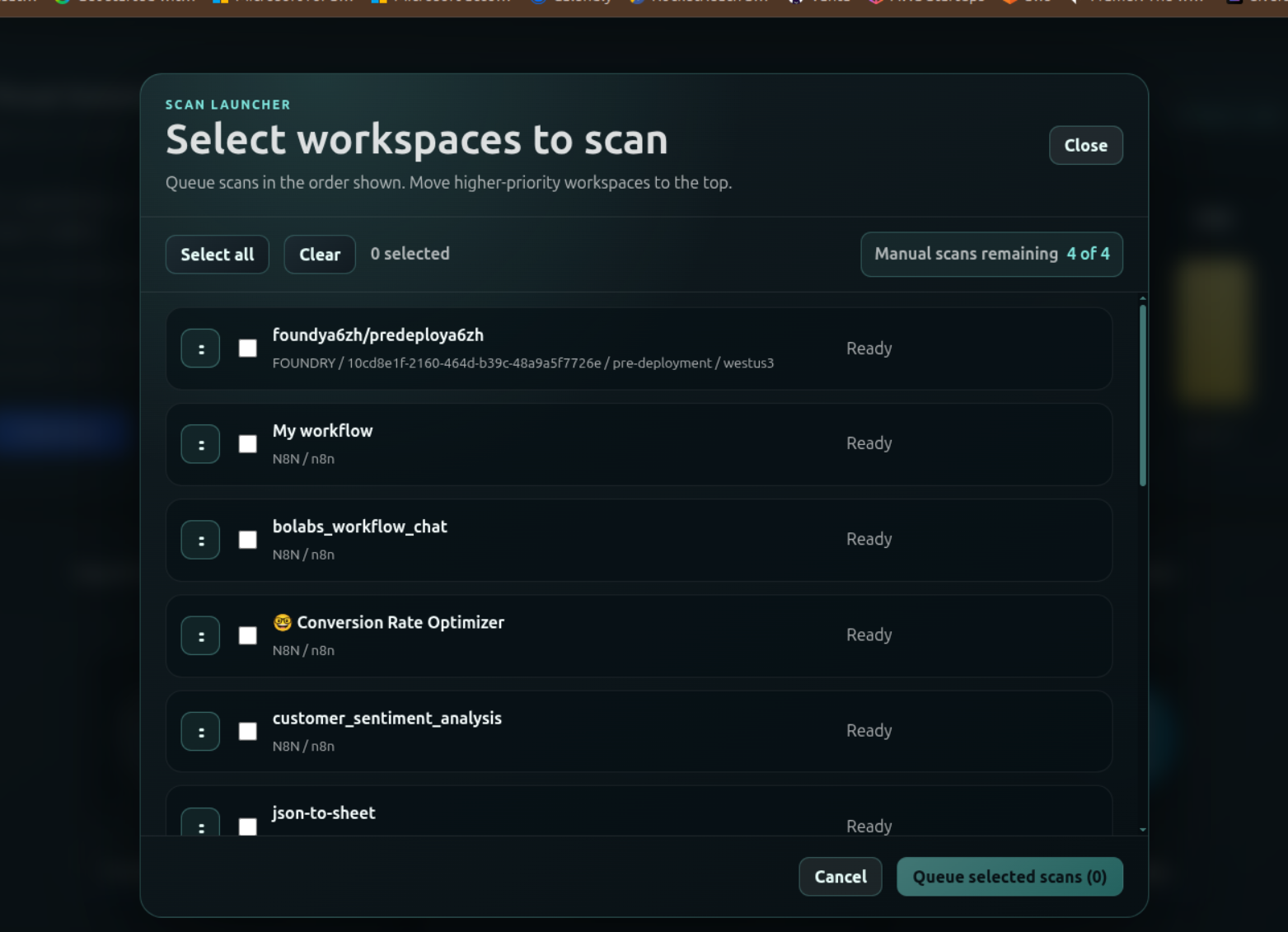
Before queuing a manual scan, check the remaining
allowance in the
scan launcher.
Using a manual allowance does not consume or
replace the paid plan’s automatic schedule.
Azure Foundry / CrewAI on AKS
Foundry & CrewAI plan transitions
Starter to Growth: immediate
The paid plan moves from Starter to Growth
when actual secured agents reach 15, or active
workspaces increase above 1, provided the scope
stays within Growth’s limits. This applies when
a manual or scheduled scan detects the changed
scope. Monthly settlement reflects the pricing applicable before and
after the change. Do not add a duplicate upgrade charge for usage already
included in settlement.
Growth to Starter: next monthly billing cycle
A downgrade takes effect at the next billing
cycle only when both conditions are met:
14 or fewer actual secured agents and
exactly 1 active workspace. Reducing
agents alone is not enough. Until the change
takes effect, the current plan remains Growth.
The annual contract continues through its
existing end date after the plan changes.
Growth to Enterprise: scan-detected agent increase
If a manual or scheduled scan detects more than
50 secured agents, an in-app and email notice
gives you 48 hours to reduce the count
to 50 or fewer. If the count remains
above 50 when the window expires, Enterprise
activates automatically. Letting the window
expire with the excess scope counts as approval
of the transition, and the applicable billing
adjustment begins. Enterprise then remains in
effect for the remaining duration of the
current annual contract.
The grace window is available only twice
On the third scan-detected threshold occurrence,
the account moves directly to Enterprise without
another grace window. During an allowed window,
agents above 50 are still chargeable under the
Growth grace-period treatment; the window is not
free excess usage.
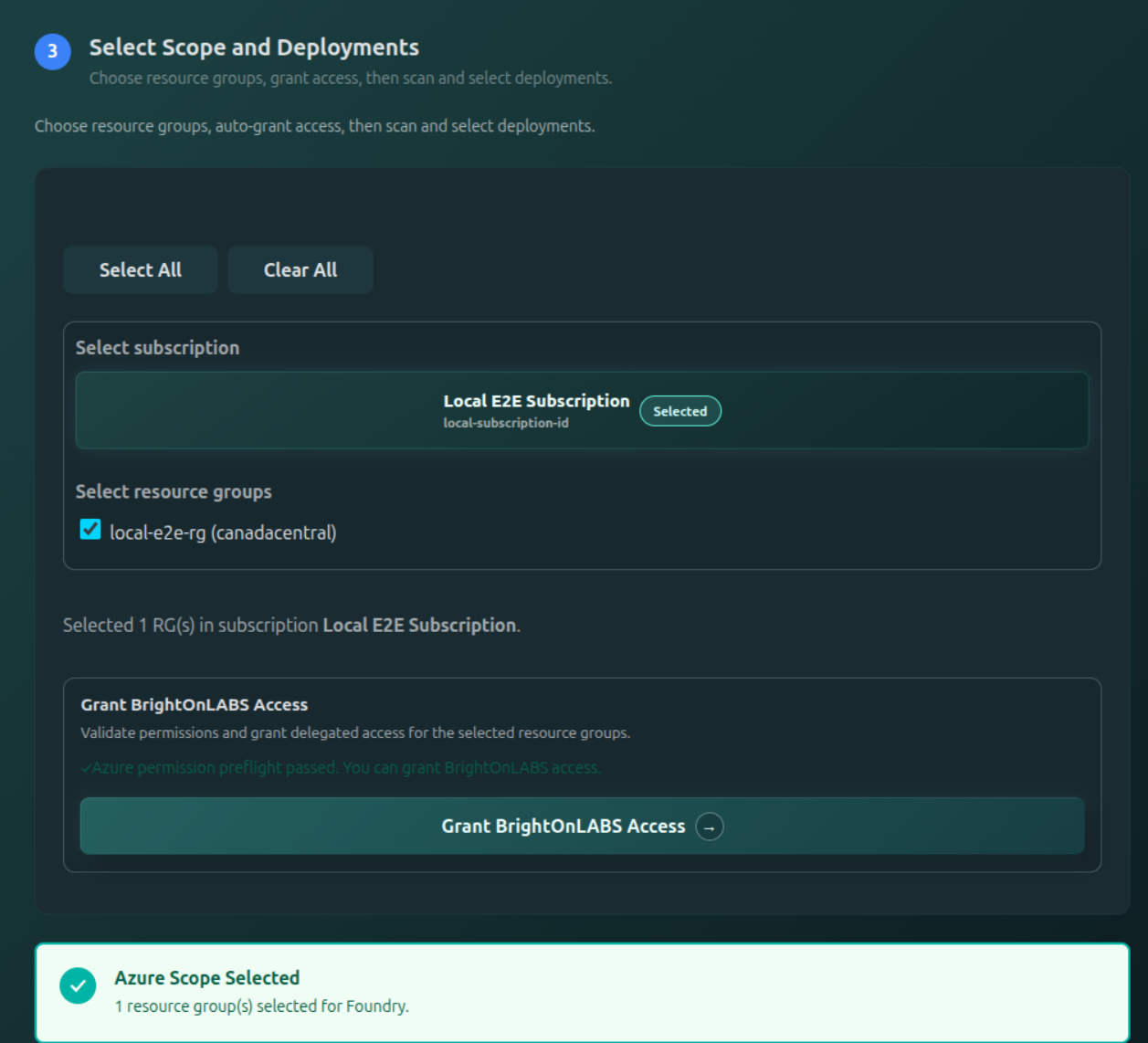
Enterprise scope selected during deployment setup
Adding a deployment that selects more than 50
agents or more than 3 active workspaces triggers
Enterprise immediately, with confirmation during
the deployment workflow before activation.
That action is treated as explicit approval.
The scan-detected 48-hour window does not apply
to this confirmed scope selection.
Once Enterprise is active
Enterprise is always an annual
commitment, whether activated during
onboarding or through a usage-based transition.
Onboarding establishes the annual Enterprise
term. A transition during an existing annual
contract applies for the remainder of that
contract, through its existing end date.
Enterprise remains in effect until that annual
contract ends, with a minimum of 51 billable agents.
Reducing the agent or workspace count—even
removing all agents—does not unlock an earlier
downgrade. No downgrade credit applies during
the contract unless the agreement explicitly
provides for one.
Azure Foundry / CrewAI on AKS
Foundry & CrewAI usage examples
Azure Foundry / CrewAI on AKS
Foundry & CrewAI annual commitment and billing
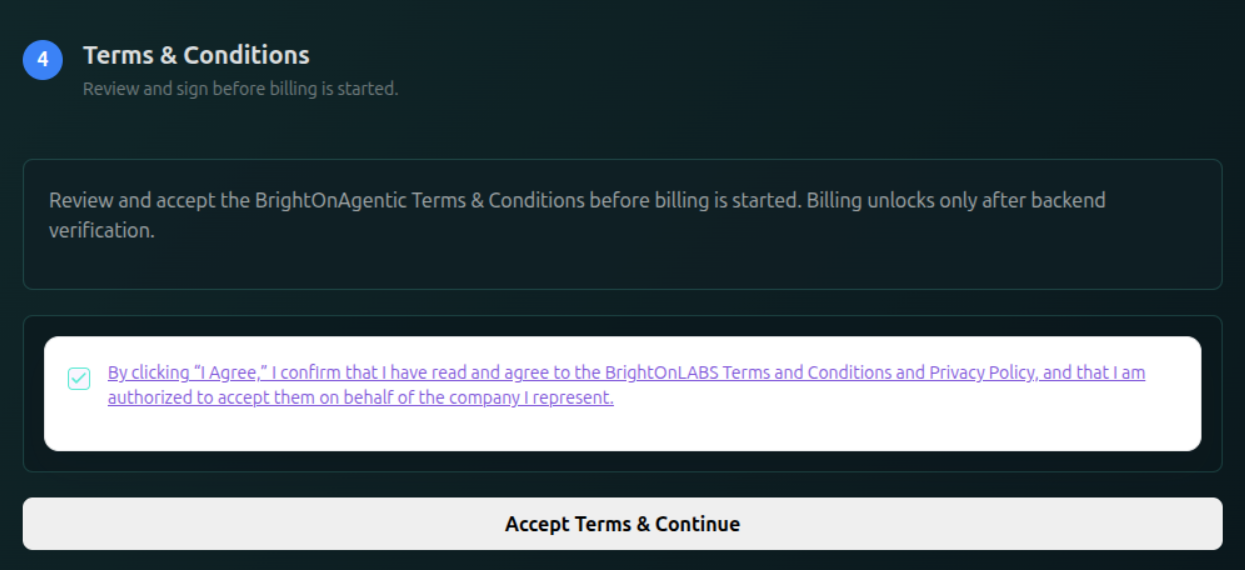
Free Trial is available through trial onboarding.
Move to a paid plan when the trial ends or when
you select paid scope. Follow the
account activation step
to complete the applicable terms and billing
process.
Usage is accounted for daily and aggregated
into the monthly invoice; it does not mean your
card is charged every day. Monthly settlement weights pricing snapshots
over their effective duration, with each pool’s minimum applied to each
segment. For example, Growth with 35 agents for half a month and 13 for
half uses 35 billable agents first, then the 15-agent Growth minimum until
an eligible downgrade takes effect.
For an eligible Growth-to-Starter transition,
the lower plan charge applies from the next
monthly billing cycle. Payments continue monthly
for the remainder of the annual contract.
Enterprise transitions remain subject to the
commitment and minimum billing rules above.
Mid-contract transition example
A customer on an annual Growth contract pays
monthly. If an eligible change to Starter takes
effect at the start of month 7, the first 6 months
are billed under Growth and the remaining 6
months under Starter. The original annual
contract end date stays the same.
N8N deployed on AKS
N8N paid plans and limits
N8N plan eligibility uses total functional nodes and enrolled workspaces,
pooled across the subscription. Total nodes include regular nodes and
AI Agent nodes. AI Agent count affects the price, but does not have a
separate plan-upgrade threshold.
All prices are in USD, per month, before taxes. No additional workspace
fee applies. These limits select the N8N pool’s tier; the account tier also
covers the other pricing pool and total workspaces. In a mixed account,
all workspaces receive the applied account’s scan cadence.
Enterprise scope and service remain subject to the contract; there is no
fixed fee for unlimited usage. The Foundry/CrewAI 51-agent minimum does
not apply to N8N.
N8N deployed on AKS
What counts toward N8N usage
- Workspace
- One enrolled N8N instance. A workflow or worker replica is not a separate workspace.
- Total functional nodes
- Regular nodes plus AI Agent nodes in assessed workflows within the enrolled scope. Sticky notes are excluded.
- Regular nodes and AI Agent nodes
- Each functional node is counted once. The supported AI Agent type is
@n8n/n8n-nodes-langchain.agent; other functional node types are regular. Sticky notes (n8n-nodes-base.stickyNote) are excluded. AI Agent nodes are never also billed as regular nodes.
- Unique inventory
- Nodes are identified by workspace, workflow, and node ID. Repeated executions and repeated discovery do not add billable nodes.
- Enrolled workflows
- Inactive workflows count only when enrolled and assessed. Archived or unselected inventory is not automatically billable.
Counts require a complete, successful inventory, including all API pages.
An API failure or incomplete response must not be treated as zero usage,
remove enrolled workspaces, or trigger a downgrade. Explicit scope changes
and valid observations determine the inventory. If one server cannot be
collected completely, preserve its last complete inventory rather than
reducing billable usage to zero.
N8N deployed on AKS
Graduated node pricing
Pool regular nodes across all enrolled N8N workspaces, and pool AI Agent
nodes separately. Apply each rate only to the nodes in its band, once
across the subscription. Reaching a lower rate does not reprice earlier
nodes, and the bands do not restart for each workspace.
Before pricing a Growth or Enterprise pool, apply its total-node minimum:
billable regular nodes = actual regular nodes + MAX(plan minimum − actual
total functional nodes, 0). AI Agent nodes remain at their actual count.
Price these two quantities using their respective graduated bands, then
add the amounts. For Starter, apply the greater of the combined node charges
and $900 per month.
One minimum per N8N pool, not per server or node category
Growth has a 101-total-node minimum; Enterprise has a
501-total-node minimum. There is no separate AI Agent
minimum. Any missing nodes are billed as regular nodes. There is no separate
category ceiling: Starter and Growth are constrained by their combined
total-node limits. Enterprise regular-node pricing continues beyond 500.
An active N8N Enterprise pool retains its 501-node minimum even if usage
later falls below Enterprise eligibility. Actual usage and node mix still
determine the monthly amount. Existing contracts retain their pinned
pricing version and agreed terms; the current schedule does not silently
replace historical pricing.
N8N deployed on AKS
N8N plan transitions
N8N grace is available at most twice
Grace history is tracked per subscription’s N8N pool. After two attempts,
a further qualifying excess transitions without another 48-hour window.
Deliberate excess and a fourth total account workspace do not receive this
grace. Pool and account contract locks remain independent.
N8N deployed on AKS
N8N monthly pricing examples
For 300 total nodes including 15 AI Agent nodes, the 285 regular nodes
cost (80 × $24) + (80 × $22) + (125 × $20) = $6,180. AI Agent nodes
cost (10 × $50) + (5 × $45) = $725, for a total of $6,905 per month.
The 80-node and 300-node examples are reference configurations;
the Starter and Growth ceilings remain 100 and 500 total nodes.
N8N deployed on AKS
N8N billing and scan allowances
N8N uses 12 monthly installments under a 12-month Contract Period,
including Enterprise Order Forms. Monthly settlement weights the applicable
pricing snapshots over their effective duration and applies each segment’s
pool minimum. An upgrade must not produce a second charge for usage already
included in settlement. Payment retries must not duplicate the charge.
An eligible Growth-to-Starter downgrade takes effect at the next monthly
boundary after rechecking scope; the existing contract end date remains.
For example, an N8N Growth pool with 120 regular nodes for exactly half
a month and 20 regular nodes for the other half is billed using $2,800 and
$2,382 monthly run rates. The second segment retains Growth’s 101-node
minimum, giving ($2,800 + $2,382) ÷ 2 = $2,591 for the month.
With two N8N workspaces still enrolled, the pool cannot downgrade to Starter
even if it has 100 or fewer nodes.
An N8N Enterprise pool that falls to 20 regular nodes and no AI Agent nodes
remains Enterprise during its lock: bill 501 regular nodes for a $10,500
full-month run rate under the current schedule. An Enterprise account caused
solely by combined workspaces does not impose this floor on a lower-tier pool.
The pricing table shows full-month estimates; actual settlement reflects
effective usage, pricing versions and contract terms.
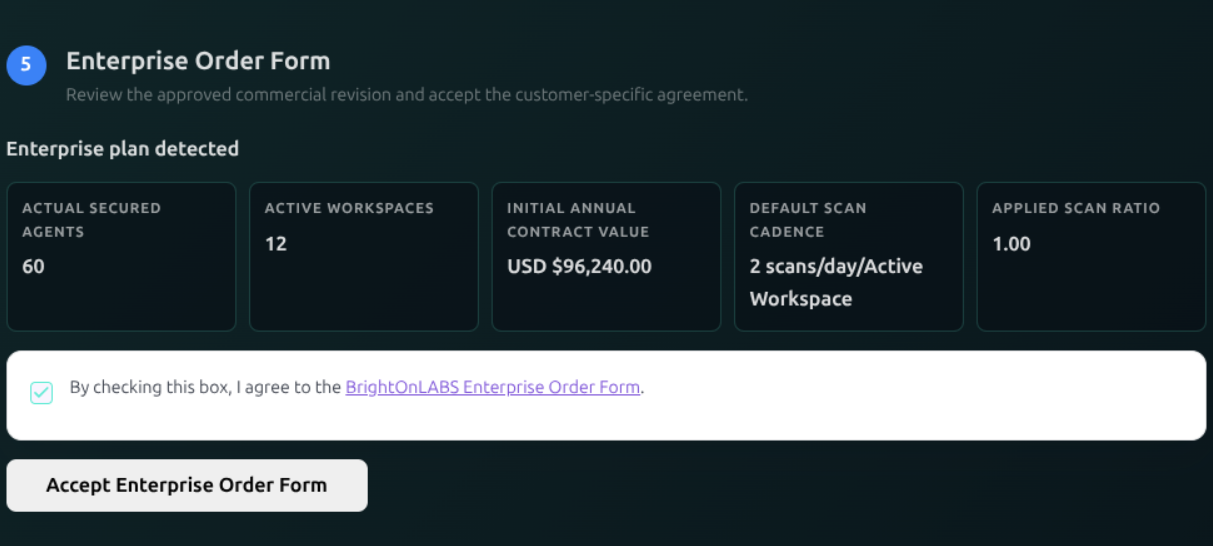
Enterprise onboarding requires the applicable Order Form, payment arrangement
and activation approval. An accepted Order Form alone is not an active
subscription. Authorized internal admins and company super_admins can approve
activation and monthly payments, subject to the payment prerequisites.
Automatic scanning follows the applied account plan for every workspace,
including mixed accounts: Starter weekly, Growth daily, Enterprise every
12 hours by default after activation. These paid-pricing rules do not introduce an N8N-specific
manual-scan quota or change trial terms. Check your trial offer and the
scan launcher
for the allowances available to your account.